A prototype built on a model API can be running by Friday afternoon. Running the same feature for real users, at a predictable cost and with quality you can defend, is a systems engineering problem. Most of the work sits around the model: how requests are routed, how context is retrieved, how outputs are evaluated, and where the money goes.
Hosted APIs or self-hosted models
Hosted model APIs give you the strongest models with no GPUs to manage, and you pay per token. Self-hosting open-weight models gives you control over data residency, latency and unit cost at high volume, in exchange for owning GPU capacity and the skills to run it. Most mature teams end up with both, behind a single gateway, and route each use case to the cheapest model that meets its quality bar.
Inference serving fundamentals
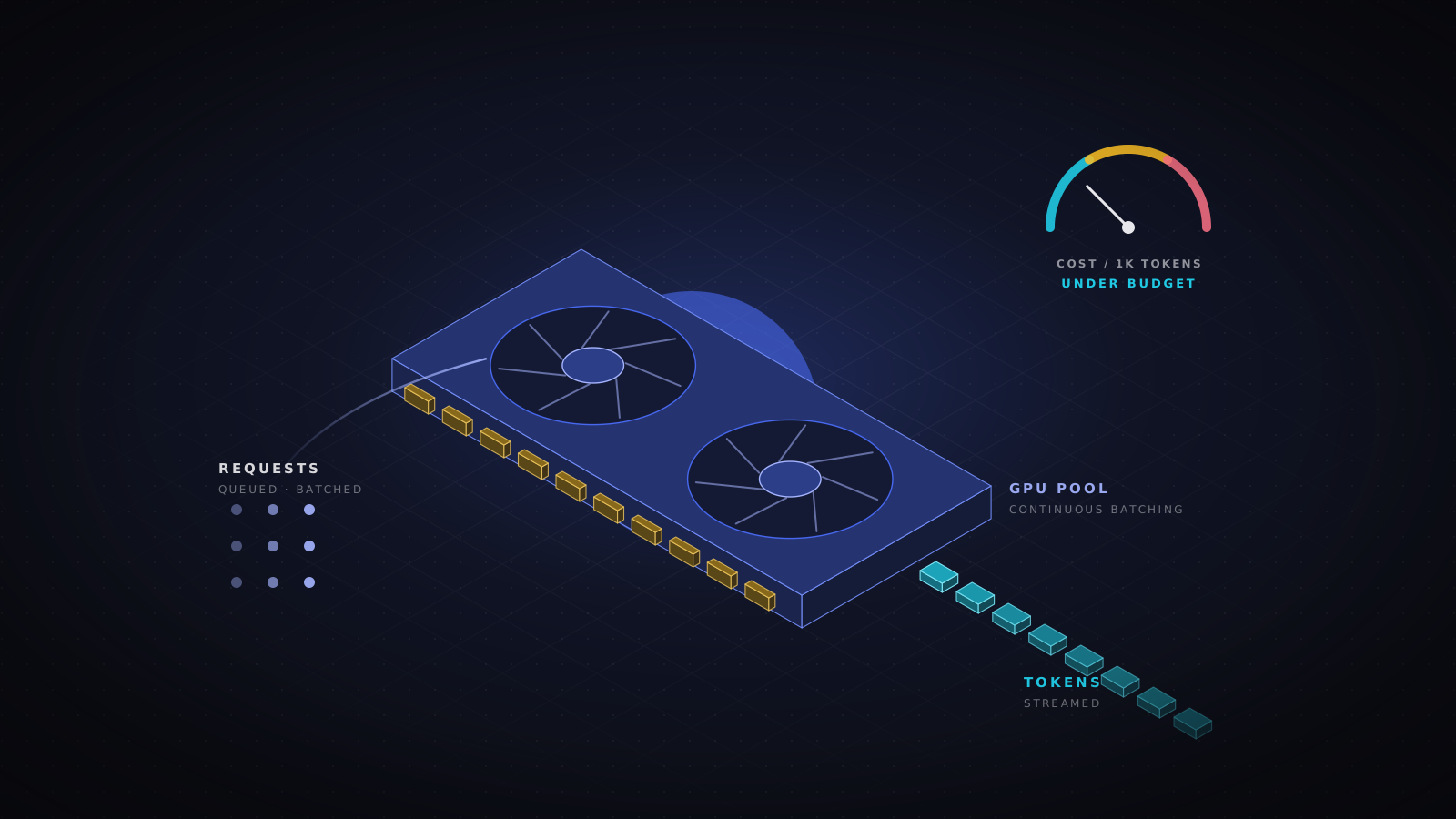
Two latency numbers matter to users: time to first token, and the rate at which the rest of the tokens arrive. Throughput, which drives cost, depends on how many requests a GPU can serve at once. Serving engines such as vLLM, TensorRT-LLM and Hugging Face Text Generation Inference use continuous batching to keep GPUs busy, and careful management of the key-value cache, which is usually what limits concurrency. vLLM's PagedAttention, for example, allocates that cache in pages to reduce wasted memory.
- Autoscale on queue depth, tokens in flight or GPU utilization. CPU usage tells you almost nothing about an inference server.
- Quantization to 8-bit or 4-bit weights often fits a model on smaller or fewer GPUs for a modest quality cost. Measure that cost on your own evaluation set before shipping it.
- Keep models warm. Loading tens of gigabytes of weights on a cold start can take minutes, so scale-to-zero only makes sense for batch work.
Retrieval done properly
Retrieval-augmented generation grounds answers in your own documents. Answer quality depends far more on the retrieval pipeline than on the model. Chunk documents along their natural structure rather than at fixed character counts, combine keyword search with vector similarity (hybrid search), and add a reranking step before the context reaches the model. A well-tuned pgvector setup is enough for many teams; dedicated vector databases earn their place at larger scale.
Enforce document permissions at retrieval time. If a user cannot open a document directly, the assistant must not quote it to them either. This is the most common data leak in internal AI tools, and the hardest to retrofit.
Put a gateway in front of every model
A model gateway is the control point that makes everything else manageable. It handles authentication and rate limits, routes requests between models and providers, falls back when a provider degrades, caches repeated prompts, redacts sensitive data from logs, and attributes cost to the team and feature that generated it.
routes:
  - name: support-summaries
    primary: small-model
    fallback: large-model
    escalate_when: confidence < 0.7
    max_output_tokens: 400
    cache: semantic
    daily_budget_usd: 150
Evaluation is the real product
Without an evaluation loop, every prompt edit and model upgrade is a guess. Build an evaluation set from real, anonymized traffic and keep adding the failures users report. Combine automated checks (format, groundedness against the retrieved sources, banned content) with regular human review of a sample. Run the suite before any model, prompt or retrieval change reaches production, exactly as you would run regression tests for code.
Where the money actually goes
- Idle GPUs: reserved capacity sized for peak traffic and used at a fraction of it most of the day.
- Oversized context: stuffing whole documents into every prompt instead of retrieving the right passages.
- Agent loops: multi-step agents that call the model many times per task, often to recover from their own mistakes.
- Interactive pricing for batch jobs: summaries, classification and enrichment that could run overnight on discounted or preemptible capacity.
Treat AI features like any other production system, with SLOs for latency and availability, budgets and alerts for spend, and a threat model that covers prompt injection and data exposure. Teams that do this ship faster, because they can change models and prompts with confidence instead of fear.
- AI infrastructure
- LLM
- Inference
- RAG
- FinOps