All four major clouds can run almost any workload. The real differences are in where each one is strongest, how it charges for the things you do not notice until the bill arrives, how identity and governance work, and whether it has regions where your data is allowed to live. Those factors should decide the choice, not a benchmark or a free credit offer.
The platforms at a glance
| Provider | Strongest at | Watch for | Good fit |
|---|---|---|---|
| AWS | Widest service catalog, mature IAM and networking, largest partner and skills market | Complex pricing and many overlapping services | Cloud-native products and teams that want the most options |
| Microsoft Azure | Entra ID, Microsoft 365 integration, hybrid management with Azure Arc, enterprise agreements | Service quality varies between products; portal complexity | Microsoft-centric enterprises and hybrid estates |
| Google Cloud | Data and analytics with BigQuery, Kubernetes with GKE, AI with Vertex AI and TPUs | Smaller enterprise partner network in some markets | Data-heavy and AI-led workloads |
| Oracle Cloud (OCI) | Oracle Database and Exadata, low network egress pricing, dedicated and sovereign regions | Smaller service catalog and skills pool | Oracle database estates and egress-heavy workloads |
Presence in the Gulf
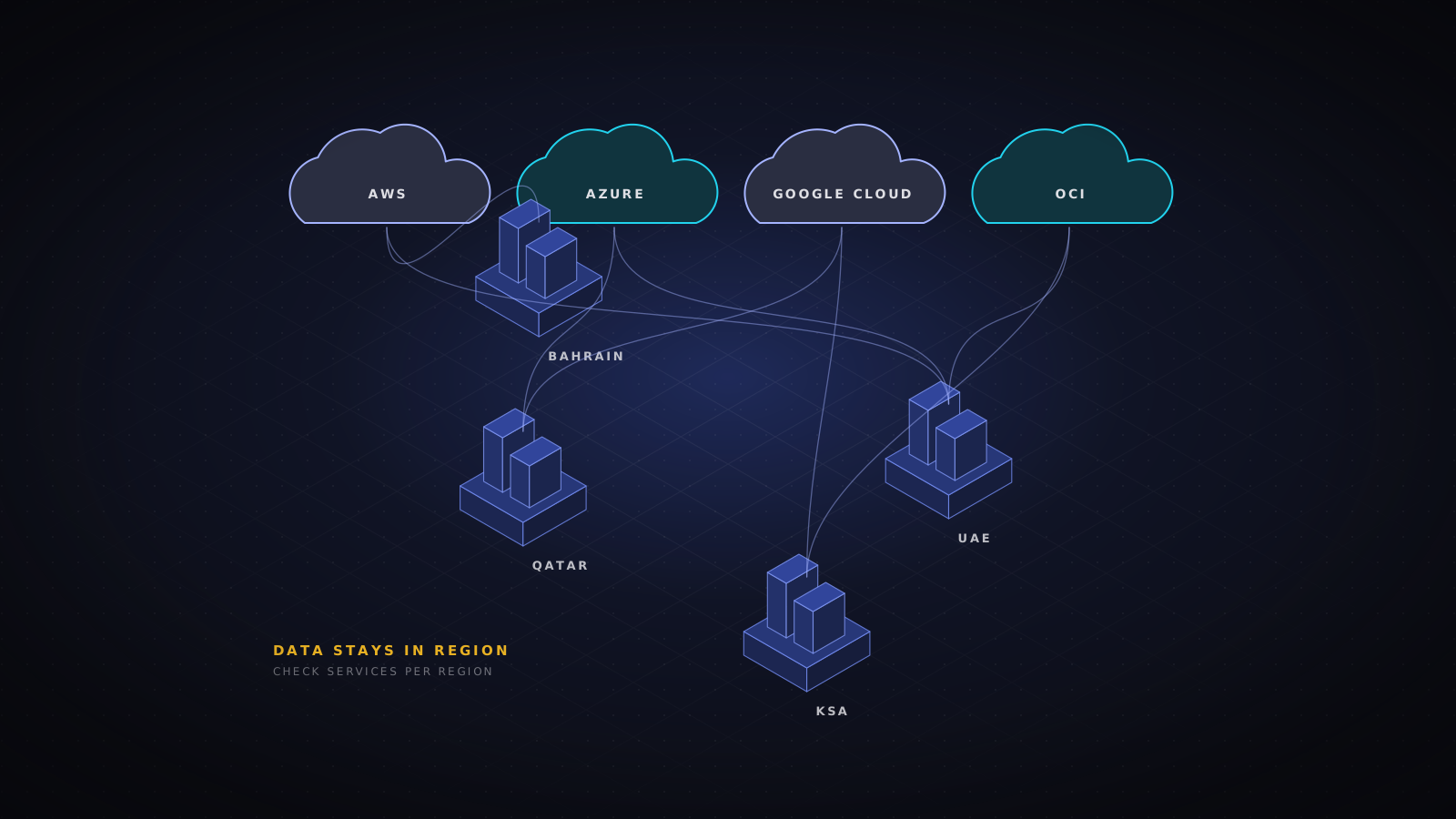
Local regions matter for latency and, more often, for regulation. AWS runs regions in Bahrain and the UAE. Azure runs UAE North and UAE Central, plus Qatar Central. Google Cloud runs regions in Doha and Dammam. Oracle runs regions in Jeddah, Riyadh, Dubai and Abu Dhabi. Every provider has announced further expansion, particularly in Saudi Arabia, so check the current region list and, more importantly, which services are available in each region. New regions often launch with a reduced catalog.
- Confirm that the specific services you need, including managed databases, GPUs and security tooling, exist in the target region.
- Check where backups, logs, support access and AI model processing happen. Data can leave a region through these paths even when the workload stays.
- For government and critical infrastructure workloads, ask about sovereign or locally operated offerings run with in-country partners.
Pricing traps to model early
- Data egress. Moving data out of a cloud, or between regions, can cost more than the compute that produced it. Oracle is notably cheaper here; the others charge meaningfully for internet egress.
- Managed NAT gateways, load balancers and private endpoints are charged per hour and per gigabyte, and they multiply across environments.
- Commitment discounts (Savings Plans, reservations, committed use discounts) save a lot, but only if the commitment matches the workloads you actually keep running.
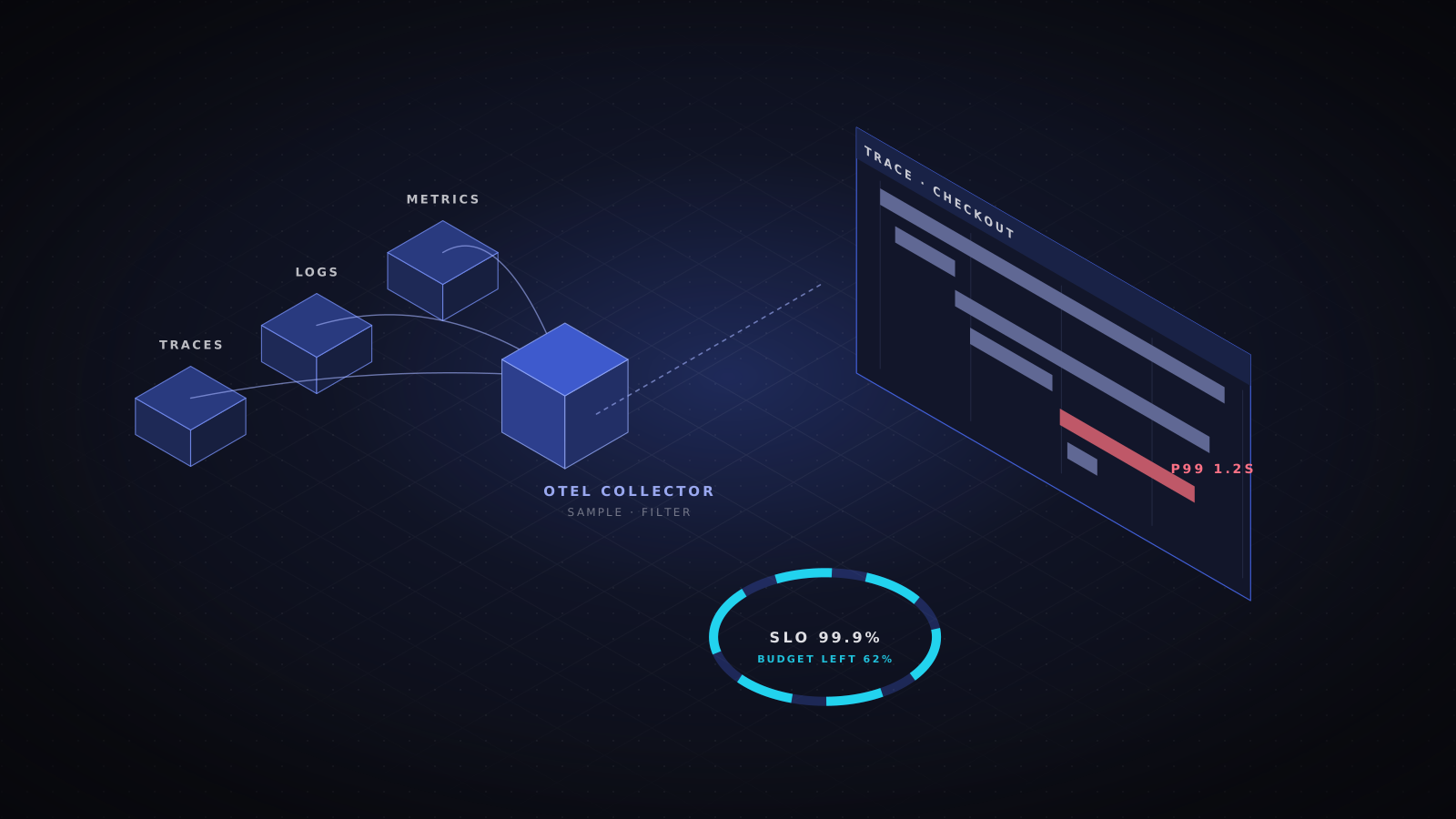
- Logging and monitoring. Verbose logs sent to the provider's native tools can quietly become one of the largest line items.
Identity and governance
Each platform has a different identity model. AWS uses IAM roles and policies scoped across accounts, organized with AWS Organizations and service control policies. Azure ties everything to Entra ID and organizes resources in management groups and subscriptions with Azure Policy. Google Cloud uses a resource hierarchy of organization, folders and projects with organization policies. OCI uses compartments and policy statements. Whichever you choose, set up the landing zone, guardrails and single sign-on before the first workload, not after the fiftieth.
When multi-cloud is worth it
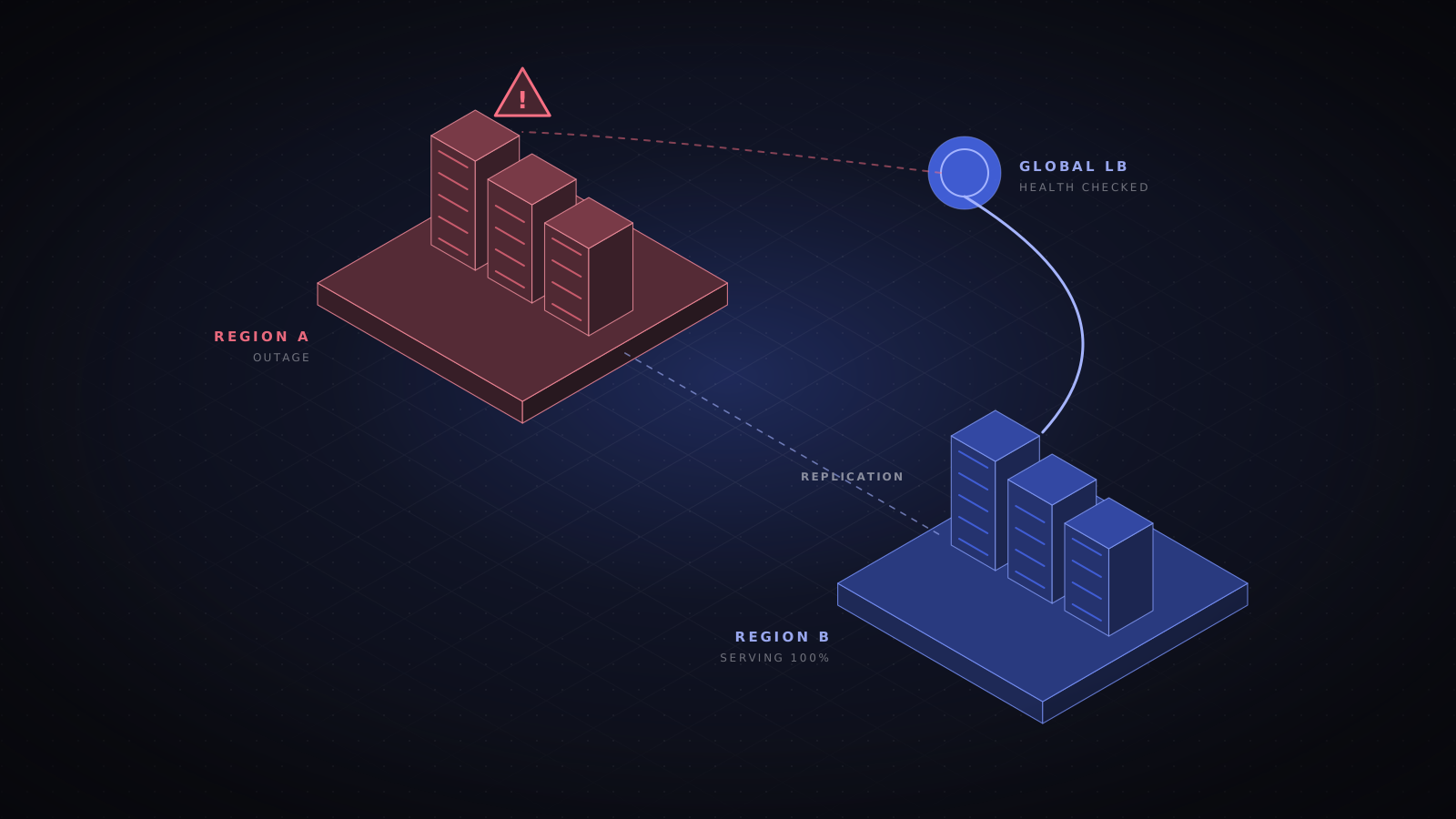
Running production across several clouds doubles the skills, tooling and security controls you need, and it rarely improves availability as much as a well-designed multi-region setup in one cloud. Multi-cloud makes sense for specific reasons: a best-of-breed service such as BigQuery or Oracle Database, a regulatory requirement for a local provider, or an acquisition that brought a second platform. Use one primary cloud, and add others deliberately, with shared identity, policy and observability across them.
- Cloud
- AWS
- Azure
- Google Cloud
- Oracle Cloud
- Data residency
- Tool comparison